Describe it once
Attach a screenshot, a palette, a site you like. Crown works from your references, not from a blank slate.
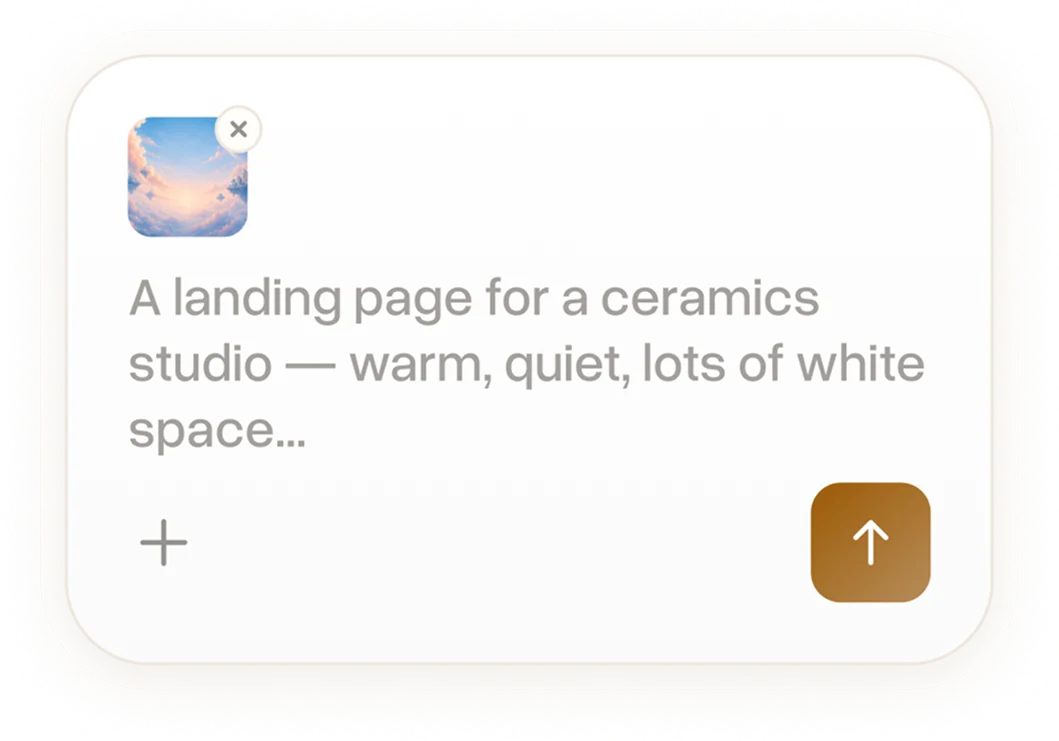

Describe what you're making and let Crown do the drafting.
 Landing pages
 App screens
 Images
 Video
Video
Good work comes out of comparison: you don't know a version is right until it's next to the ones that aren't. Crown makes that field cheap enough to actually have.
Attach a screenshot, a palette, a site you like. Crown works from your references, not from a blank slate.
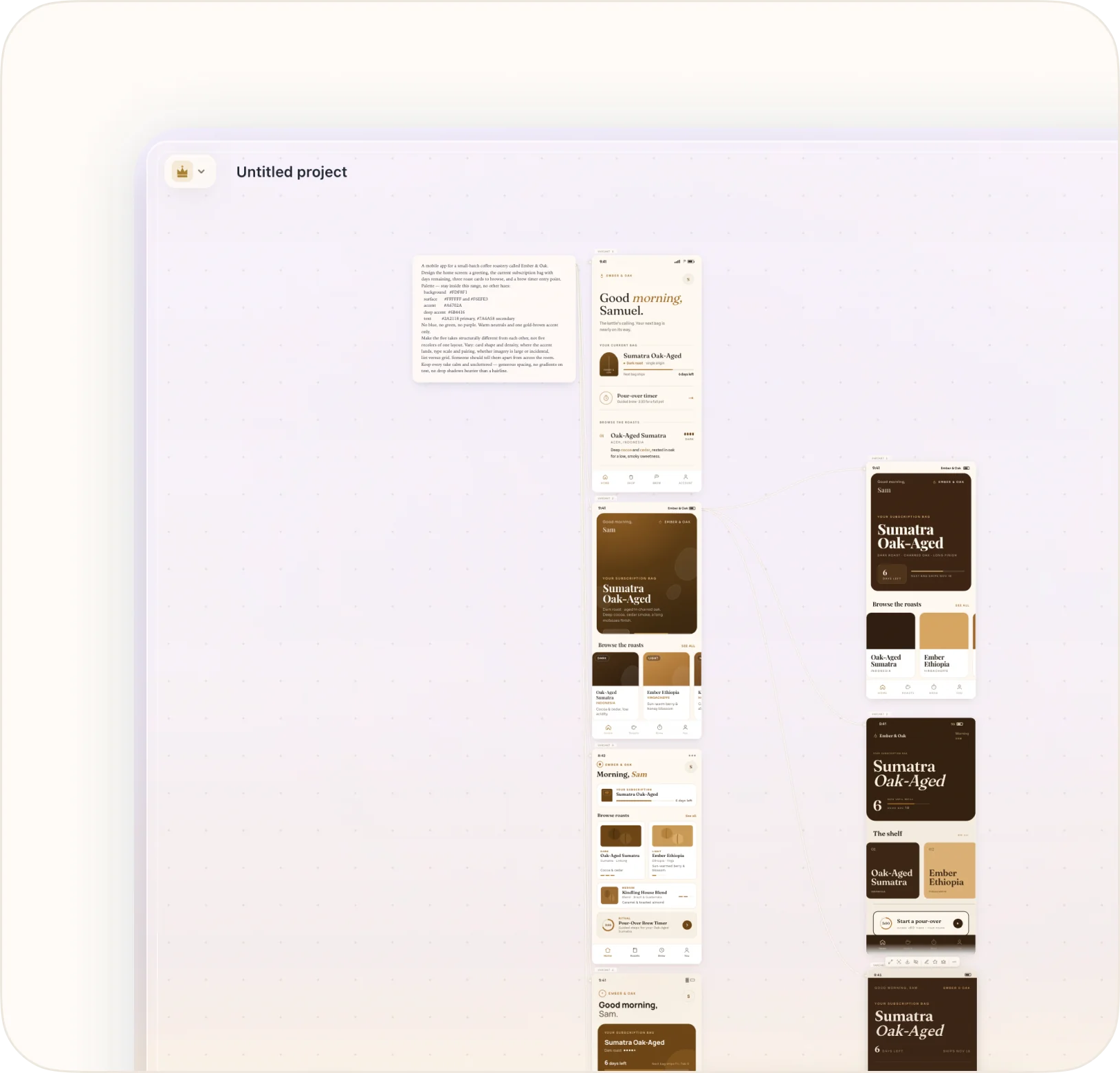
Six directions in one pass, side by side on the canvas. Different type, different palette, different logic, enough distance between them to actually compare.
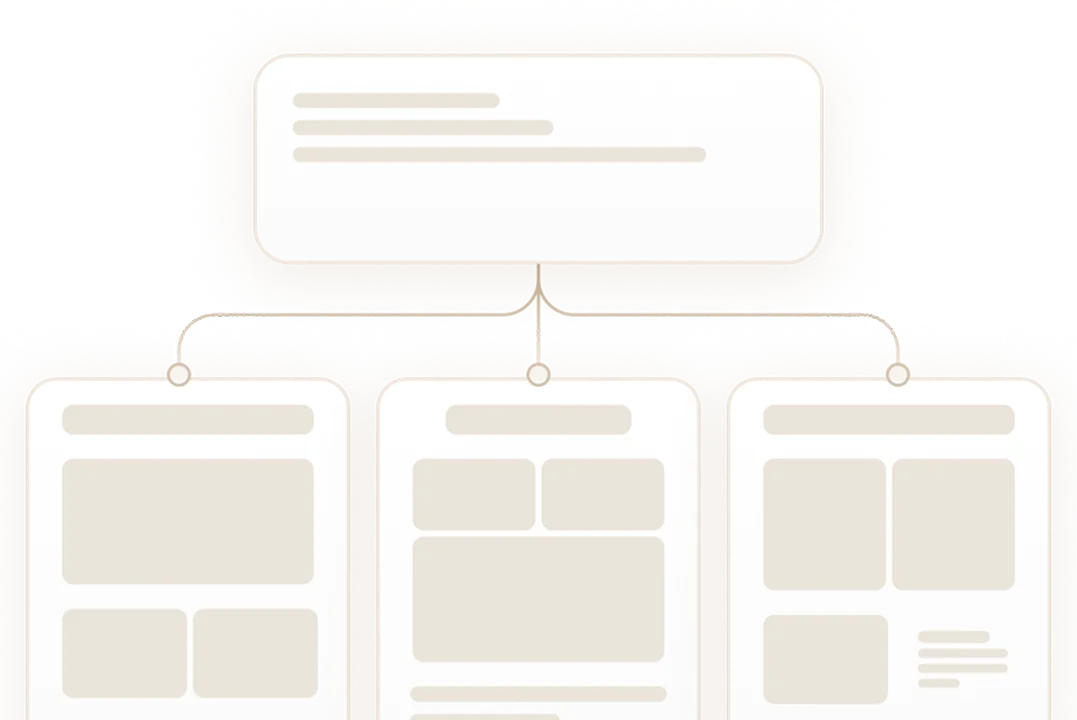
Any take becomes the next starting point. Branch it, nudge it warmer, tighten the header. Every earlier version stays one click away.

Every design is an HTML file with live styles, real text and working states. Open it, edit it, host it. It is yours the moment it exists.
Grow a new screen from the one you kept and it arrives in the same palette, type and navigation.
The page, the screens, the imagery inside them, a short film, the words that carry it. One place, one brief.
Ask for a warmer palette or a tighter header and that's what moves. Everything you already liked stays where it was.
Every take and every earlier round stays on the canvas. Go back three steps, take the other branch, keep both.